Why I Finally Upgraded to Neovim 0.12 (And Why You Should Too)
The upgrade that broke everything — then revealed how much simpler config can be.
It’s 11 PM. You’ve been putting off this upgrade all week, but tonight’s the night. Neovim 0.12 dropped last month. How bad can it be?
You run nvim. Your config loads.
Error detected while processing /home/dipankardas/.config/nvim/init.lua:
E5108: Error calling lua: attempt to call method 'start' (a nil value)
A wall of errors. Your 1,100-line init.lua — the one that’s survived a dozen Neovim upgrades — just died on load.
You’ve spent years building this config. Dozens of plugins, lazy-loading logic, treesitter configuration, LSP setup with mason and lspconfig. You assumed it would just work. It never does.
So you do what any reasonable person does: you Google “neovim 0.12 migration” and find a dozen articles saying “everything changed.” Treesitter is built-in now. There’s a new plugin manager. LSP is native. The word “breaking” appears 47 times in the release notes.
You close the tab. You’ll upgrade later.
If this sounds familiar — you’re reading this post for permission to upgrade, not instructions. I’ll give you both.
What Nobody Tells You
Here’s the truth: the neovim 0.12 migration is nowhere near as bad as the internet makes it sound.
Yes, big things changed. Treesitter is now built-in. There’s a new plugin manager called vim.pack. LSP configuration has a cleaner API. These are real changes, and certain plugins (particularly nvim-treesitter) either need updating or can be deleted entirely.
But the breaking changes are isolated to specific API calls — not your entire workflow. Your muscle memory for the editor stays the same. Your keybindings work. The core experience you spent years customizing doesn’t disappear.
The real story of 0.12 isn’t “everything broke.” It’s “neovim finally shipped the features you’ve been using plugins for, and now your config can be simpler.”
Let me show you exactly what broke in my config and how I fixed it — so you can see the actual scope of the changes.
The Three Things That Actually Changed
Before diving into code, here’s what matters:
Treesitter Is Now Built-In
This is the biggest shift. Neovim 0.12 ships with treesitter parsers and syntax highlighting enabled by default. You don’t need the nvim-treesitter plugin anymore.
The plugin nvim-treesitter/nvim-treesitter was archived in April 2026. The maintainer had rewritten it to target 0.12, but the community pushed back demanding backward compatibility. Burned out, they archived the repo.
The practical reality: for most users, the plugin is simply unnecessary. Code highlights itself now.
There’s a Built-In Plugin Manager
Neovim 0.12 introduces vim.pack — a native package manager. You can manage plugins without lazy.nvim, packer.nvim, or any external plugin manager.
This doesn’t mean your existing plugin manager is dead. lazy.nvim still works perfectly. But for fresh installs, vim.pack is simpler — and has lockfile support so you can reproduce exact plugin versions across machines.
LSP Is Finally Native
The big one for power users. Neovim 0.12 uses vim.lsp.config() and vim.lsp.enable() as the standard. The old pattern — require('lspconfig').gopls.setup({}) — still works, but it’s now the legacy approach.
You can drop nvim-lspconfig entirely and configure LSP servers natively. I’ll cover whether that makes sense for your setup.
These shifts are part of Neovim’s “batteries included” philosophy — shipping more functionality built-in rather than depending on external plugins for common tasks. The 0.13 roadmap explicitly calls this “Year of Batteries Included” — they’re going there.
What Broke in My Config
I found exactly four specific issues upgrading from 0.11.6 to 0.12. Here’s each one with the fix.
Other Breaking Changes (Not in My Config)
These didn’t affect me, but they might affect you:
- vim.diff → vim.text.diff: The
vim.diff()function was renamed. - vim.lsp.semantic_tokens
start()/stop()→enable(): LSP semantic tokens useenable()now. - vim.diagnostic.disable() / is_disabled(): Removed (deprecated in 0.10).
- :sign-define diagnostics: No longer works — must use
vim.diagnostic.config(). - ‘shelltemp’ defaults to false: Affects shell command behavior.
- Insert-mode Ctrl-R: Now pastes register contents literally (like paste), not like user input.
- package-tohtml is opt-in: Run
:packadd nvim.tohtmlif you need:TOhtml. - vim.lsp.log.set_format_func(): Now receives all arguments as a single table instead of individual args.
The Treesitter Block
My original config had this (~35 lines):
{
  "nvim-treesitter/nvim-treesitter",
  build = ":TSUpdate",
  main = "nvim-treesitter.configs",
  opts = {
    ensure_installed = {
      "bash", "c", "lua", "go", "python",
      "rust", "typescript", "javascript", "json", "yaml",
    },
    highlight = { enable = true },
    indent = { enable = true },
  },
}
The problem: main = "nvim-treesitter.configs" — this module no longer exists. It was removed entirely.
The fix is simple: delete the entire block.
-- That's it. Just delete it.
-- Highlighting works by default in 0.12
Neovim now highlights code automatically without configuration. I saved ~40 lines and gained nothing in return.
vim.loop → vim.uv
This was in my lazy.nvim bootstrap:
local lazypath = vim.fn.stdpath("data") .. "/lazy/lazy.nvim"
if not (vim.uv or vim.loop).fs_stat(lazypath) then
  -- clone lazy.nvim
end
The problem: (vim.uv or vim.loop) — this fallback was a transitional thing from 0.10. Support for vim.loop is fully removed in 0.12.
The fix:
if not vim.uv.fs_stat(lazypath) then
  -- clone lazy.nvim
end
One line change. Find vim.loop and replace with vim.uv.
Another vim.loop Usage
In my LSP configuration for helm_ls:
root_dir = function(fname)
  return require("lspconfig").util.root_pattern("Chart.yaml")(fname)
    or require("lspconfig").vim.fs.dirname(vim.fs.find('.git', { path = fname, upward = true })[1])
    or vim.loop.os_homedir()  -- <-- this line
end,
The fix:
root_dir = function(fname)
  return require("lspconfig").util.root_pattern("Chart.yaml")(fname)
    or require("lspconfig").vim.fs.dirname(vim.fs.find('.git', { path = fname, upward = true })[1])
    or vim.fn.expand("~")
end,
vim.loop.os_homedir() is gone. Use vim.fn.expand("~") instead.
:sign-define → vim.diagnostic.config() (Breaking!)
This one is breaking.Diagnostic signs can no longer be configured with :sign-define or sign_define() — that API was deprecated in 0.10 and is now removed.
If your config has:
sign define Error text=
sign define Warn text=Migrate to Lua:
vim.diagnostic.config({
signs = {
text = {
[vim.diagnostic.severity.ERROR] = " ",
[vim.diagnostic.severity.WARN] = " ",
[vim.diagnostic.severity.INFO] = " ",
[vim.diagnostic.severity.HINT] = " ",
},
},
})I was already doing it right, so nothing broke here. If you were using :sign-define, add this to your migration list.
Total changes in my config: 2 API replacements, 1 block removed. ~45 lines deleted.
What I Didn’t Change
A few things I considered updating but left as-is:
lazy.nvim — My config has 30+ plugins with complex lazy-loading patterns. Migrating to vim.pack would have taken hours with marginal benefit. lazy.nvim works fine on 0.12.
nvim-lspconfig — The require('lspconfig').SERVER.setup({}) pattern still works. Yes, vim.lsp.config() is cleaner. But nvim-lspconfig provides all the server definitions you’d otherwise write yourself. I may migrate later — it’s optional.
nvim-cmp / blink.cmp — Completion is still handled by this stack. Neovim 0.12 has improved native completion, but it requires more setup for a polished experience. The existing stack works.
The New LSP Pattern (Optional)
For those starting fresh or wanting to go fully native, here’s the modern approach:
-- lua/config/lsp.lua
-- Instead of require('lspconfig').gopls.setup({...})

vim.lsp.config["gopls"] = {
  cmd = { "gopls" },
  filetypes = { "go", "go.mod" },
  root_markers = { "go.mod", ".git" },
}

vim.lsp.enable("gopls")
This removes the need for mason.nvim + lspconfig for basic setups. Keep mason.nvim if you want it to manage installations for you.
The Real Takeaway
Here’s what surprised me: after fixing these four issues, everything else just worked. My LSP servers connected. My plugins loaded. My keybindings fired.
The neovim 0.12 migration is an excuse, not a barrier. The changes are specific API calls, not a paradigm shift in how you use the editor.
The bigger story: Neovim is becoming a “batteries included” editor. Treesitter, LSP configuration, and plugin management are now core features — not plugin territory. Your config gets simpler, not more complex.
If you’re on 0.11 and hesitant to upgrade — don’t be. The breaking changes are isolated. Your muscle memory stays the same. The main shift is under the hood: less dependency on external plugins for things that should just work.
The complete diff of my changes is available in my dotfiles. The original config worked on 0.11.6; the updated version works on 0.12.
Complete Migration Checklist
Must Fix:
vim.loop→vim.uv(global replace in your config)- Delete nvim-treesitter plugin block (highlighting is built-in)
:sign-definediagnostics →vim.diagnostic.config()(if applicable)
Should Know:
vim.diff→vim.text.diffvim.lsp.semantic_tokens.start()/stop()→.enable()vim.diagnostic.disable()→ removed, usevim.diagnostic.enable()with toggle- Check ‘shelltemp’ behavior if you rely on temp files
Nice to Have:
- Migrate LSP to
vim.lsp.config()pattern - Try
vim.packinstead of lazy.nvim (fresh installs only)
TL;DR
- Neovim 0.12 is a big release, but the migration is a few API fixes, not a rewrite
- Find
vim.loopand replace it withvim.uv— that’s most of the changes - Delete your treesitter block — highlighting works by default now
- Migrate
:sign-definediagnostics →vim.diagnostic.config() - Your plugin manager: if it works, keep it
- The worst part of upgrading is starting — the actual fixes take 15 minutes
Resources
:help news-0.12— Official release notes (start here):help vim.lsp.config— Native LSP configuration:help vim.pack— Built-in plugin manager- nvim-treesitter migration guide by Quan Nguyen
- Native LSP in Neovim 0.12 by Adib Hanna
- Refreshing your Neovim config for 0.12 by Justin Heyes-Jones

Other posts

Why an AI Agent Session Is More Than a JSONL File
↗How Infai evolved its AI agent session store from a simple JSONL log into a durable, branchable, lazy-loaded, and compactable timeline.
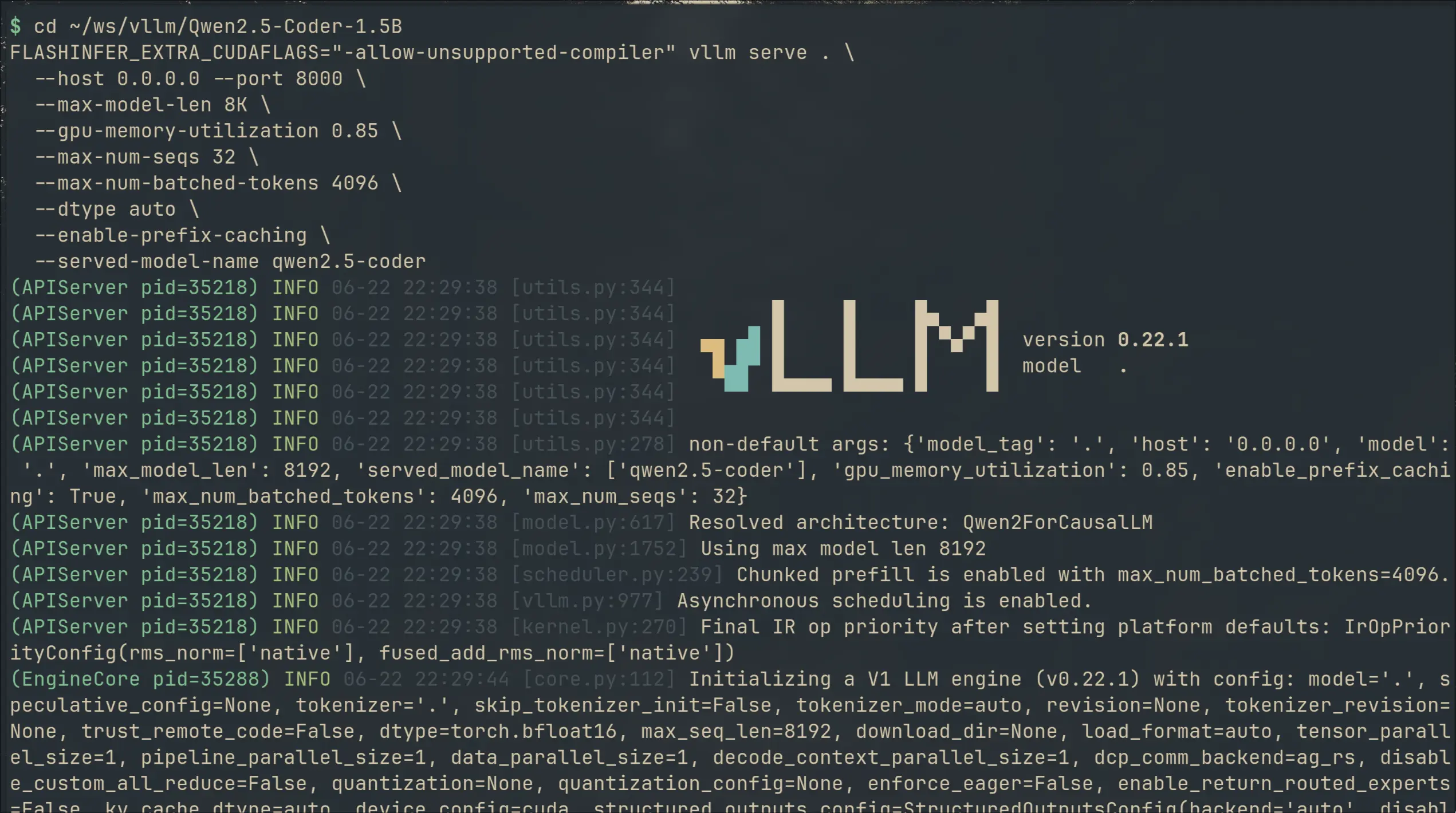
I Switched My Local Copilot From llama.cpp to vLLM — 2× VRAM for 50% Faster Completions
↗I swapped llama.cpp for vLLM on my local code completion setup. 49% faster generation, 36% lower latency — but 2× the VRAM. Here's what I gained, what it cost, and the gritty install details.
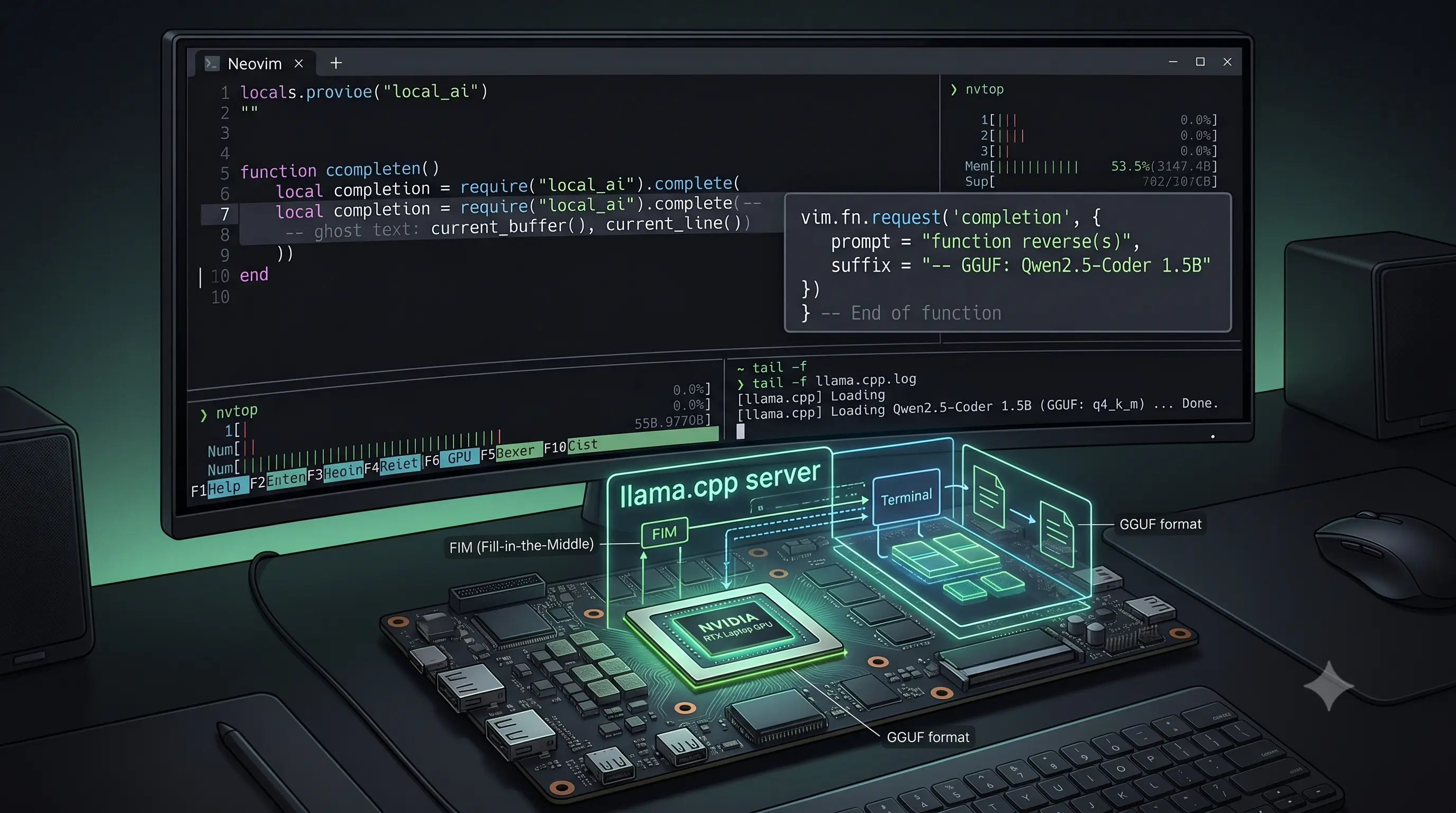
I Built a Copilot Clone in Neovim With a 1.5B Model on a Laptop GPU
↗Using Qwen2.5-Coder-1.5B with llama.cpp and Minuet AI to get Fill-in-the-Middle code completions in Neovim — no subscription, no telemetry, running on a laptop GPU.