When localhost Lied to Me: Debugging Playwright in a Containerized CI Runner
A Docker networking war story — why localhost lies inside containers, how --add-host gets you close, and how socat bridges the final gap for Playwright E2E tests.
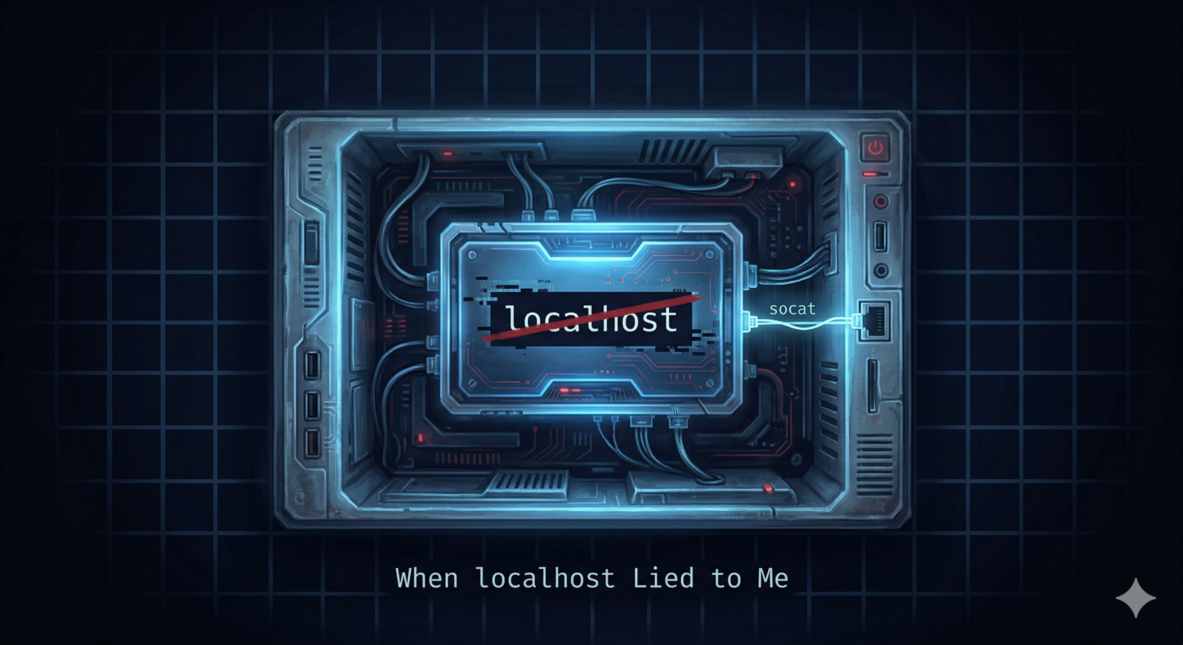
The tests pass locally. Of course they do.
Then you push to the repo. The self-hosted CI runner picks it up. Playwright spins up, reaches for WordPress at localhost:8889, and immediately dies with ECONNREFUSED.
The WordPress container is running. The port is forwarded. Nothing looks wrong — and that’s exactly the problem.
The Setup That Made Sense (Until It Didn’t)
The architecture was straightforward: a GitHub Actions self-hosted runner running inside a Docker container, with /var/run/docker.sock volume-mounted so it can spin up sibling containers. One of those siblings is a WordPress instance for E2E testing — exposed on port 8889.
Host Machine
├── CI Runner Container  ← your GitHub Actions workflow runs here
│   └── /var/run/docker.sock mounted from host
└── WordPress Container  ← spun up via docker.sock
    └── port 8889 → forwarded to host:8889
Playwright lives inside the CI runner container. It needs to hit WordPress on port 8889. On paper, this should work.
graph TD
    subgraph HOST["Host Machine"]
        SOCK["/var/run/docker.sock"]
        HPORT["host:8889"]

        subgraph CI["CI Runner Container"]
            PW["Playwright"]
            LB["localhost:8889"]
        end

        subgraph WP["WordPress Container"]
            WPAPP["WordPress :8889"]
        end
    end

    SOCK -- "spawns" --> WP
    WPAPP -- "port-forward" --> HPORT

    PW -- "GET localhost:8889" --> LB
    LB -- "ECONNREFUSED ✗" --> PW
Error One: Connection Refused
Error: connect ECONNREFUSED 127.0.0.1:8889Here’s the thing about containers that burns you eventually: each container has its own network namespace. Its own loopback. Its own 127.0.0.1.
When Playwright inside the CI runner container asks for localhost:8889, it’s asking that container’s loopback — which knows nothing about what the host machine is listening on. WordPress’s port forward goes to the host’s port 8889. From inside the container, that might as well be on another planet.
This is Docker working exactly as intended. It’s also deeply annoying when you forget.
Fix Attempt One: --add-host=host.docker.internal:host-gateway
The standard answer to “container needs to talk to the host” is --add-host=host.docker.internal:host-gateway. It injects a DNS entry into the container that resolves host.docker.internal to the host machine’s gateway IP — available since Docker 20.10 via the special host-gateway magic string.
In the GitHub Actions workflow, you add it to the container options:
container:
  image: your-ci-runner-image
  options: --add-host=host.docker.internal:host-gateway
Now the CI container can reach host.docker.internal:8889. That’s the WordPress container, via the host’s port forward. You update the Playwright base URL, run the tests — and hit a different wall.
Error Two: WordPress Redirects to Itself
WordPress has strong opinions about its own identity. It stores the canonical site URL in the wp_options table — siteurl and home — and it uses those values for redirects. If WordPress was configured to serve at localhost:8889, that’s where it tells browsers to go, no matter what hostname you used to reach it.
So when Playwright hits host.docker.internal:8889, WordPress accepts the connection — and immediately 301s back to localhost:8889.
→ GET http://host.docker.internal:8889/wp-login.php
← 301 http://localhost:8889/wp-login.php

→ GET http://localhost:8889/wp-login.php
← ECONNREFUSED
Playwright follows the redirect like a good HTTP client. Back to localhost. Back to nothing. You’re in a loop.
This is the moment you stare at the logs, read them again, and quietly question your life choices.
The Actual Problem (Stated Plainly)
Playwright and WordPress don’t agree on what localhost:8889 means.
WordPress thinks localhost:8889 is itself. Playwright, inside the container, thinks localhost:8889 is the container’s own loopback — which is listening on nothing.
You can’t change WordPress’s expectations easily (they’re baked into the database). You can’t change Playwright’s behavior without fighting the tool. What you can do is make localhost:8889 inside the container actually go somewhere useful.
Enter socat
socat — short for SOcket CAT — is a relay. It listens on one address and forwards connections to another. It’s been around since the early 2000s, it’s in every Linux package repo, and it does this one thing without ceremony.
The command that fixes the problem:
socat TCP4-LISTEN:8889,fork,bind=127.0.0.1 TCP4:host.docker.internal:8889 &Breaking it down:
| Part | What it does |
|---|---|
TCP4-LISTEN:8889 | Listens for IPv4 TCP connections on port 8889 |
bind=127.0.0.1 | Binds only to localhost (not all interfaces) |
fork | Spawns a child process per connection — handles concurrent requests without dropping the listener |
TCP4:host.docker.internal:8889 | Forwards each connection to the host’s port 8889 |
& | Runs in the background so your test suite can start |
Now when Playwright requests localhost:8889, socat intercepts it and transparently relays the connection to host.docker.internal:8889 — which is WordPress. WordPress responds, redirects to localhost:8889, Playwright follows — and socat handles that request too.
Both sides are satisfied. Neither knows about the relay. The network namespace mismatch is invisible.
sequenceDiagram
    participant PW as Playwright<br/>(inside CI container)
    participant SC as socat<br/>127.0.0.1:8889
    participant HDE as host.docker.internal:8889
    participant WP as WordPress<br/>Container

    PW->>SC: GET localhost:8889/wp-login.php
    SC->>HDE: relay → TCP forward
    HDE->>WP: reaches WordPress
    WP-->>SC: 301 → http://localhost:8889/wp-login.php
    SC-->>PW: relay response back

    Note over PW,SC: Playwright follows the redirect...

    PW->>SC: GET localhost:8889/wp-login.php
    SC->>HDE: relay → TCP forward
    HDE->>WP: reaches WordPress again
    WP-->>SC: 200 OK ✓
    SC-->>PW: page delivered ✓
The Full Workflow Step
- name: Install socat
  run: apt-get install -y socat   # or yum/apk/whatever your image uses

- name: Run E2E Tests
  run: |
    # Bridge localhost:8889 in this container to WordPress on the host.
    # Playwright and WordPress both expect "localhost:8889" — socat makes that true.
    socat TCP4-LISTEN:8889,fork,bind=127.0.0.1 TCP4:host.docker.internal:8889 &

    sudo -u wpuser env "PATH=$PATH" "PLAYWRIGHT_BROWSERS_PATH=$PLAYWRIGHT_BROWSERS_PATH" \
npm run test:e2eTwo prerequisites: socat installed in the CI runner image (apt-get install -y socat) and --add-host=host.docker.internal:host-gateway in your container options. The latter requires Docker 20.10+.
Together, they close the loop: the host gateway gives you a route to the host, and socat makes localhost in the container mean the right thing.
The Debugging Checklist
Next time you hit ECONNREFUSED in a containerized CI environment with port-forwarded services:
- Confirm where the service is actually running.
docker psanddocker inspecton the host. Is it bound to0.0.0.0or just127.0.0.1? - Identify your test runner’s network namespace. If it’s inside a container, its
localhostis isolated. - Add
--add-host=host.docker.internal:host-gatewayto your runner container options. Verify with a quickcurl host.docker.internal:PORTin the workflow. - Check what the service redirects to. If it redirects back to
localhost, the hostname approach breaks. You need socat. - Add socat as a background forwarder before tests run. One line, then let your test suite go.
What This Is Really About
The bug wasn’t in your tests. It wasn’t in WordPress. It wasn’t even in Docker.
It was in the assumption that localhost means something universal — that it’s a shared concept across processes and containers and hosts. It isn’t. localhost is always relative to where you’re standing. Containers are designed to make that isolation complete.
--add-host punches a hole through the isolation to let you reach the host. socat makes the other side of that hole look like localhost. Used together, they’re not hacks — they’re Unix composition working the way it’s supposed to.
socat has been forwarding sockets since before half the infrastructure tooling in your stack existed. It still does it better than most alternatives. That’s worth knowing.
Next time the CI log says ECONNREFUSED and everything looks fine — check where you’re standing. You might be on a different localhost than you think.

Other posts
See all posts
Why Your Laptop GPU Will Never Work with Proxmox Passthrough
Six attempts, three days, one stubborn MX330. A post-mortem on laptop GPU passthrough in Proxmox — what failed, why it's architecturally impossible, and exactly what to buy instead.

Your Old Laptop Is a Linux Server: A Complete Proxmox Home Lab Setup Guide
Turn an old laptop into a full Proxmox home server — Wi-Fi NAT routing, DHCP, MTU fixes, and every gotcha you'll actually hit. A practical guide that also teaches you how AWS works.
Quantum Computing for the Curious Developer: Building Your First Circuits with Qiskit
A developer's hands-on guide to quantum computing fundamentals — from qubits and gates to building a quantum teleportation circuit, no physics degree required.